Approved Development Tools and Plugin Policy
Classification: Internal
Document status: Effective
Version: 1.1
Owner: Management / Security Owner
Review cycle: Annual; interim revision upon material change to tooling categories or customer contractual restrictions
Document control
| Role | Name |
|---|---|
| Prepared by | Management / Security Owner (Cloudnaut) |
| Reviewed by | Nidhi Jain (third-party reviewer) |
| Approved by | Sandeep AC |
Revision history
| Version | Date | Summary | Reviewed by | Approved by |
|---|---|---|---|---|
| 0.9 | 2021-03-14 | Draft for third-party review prior to first effective release. | Nidhi Jain (third party) | — |
| 1.0 | 2021-06-18 | Initial effective release. | Nidhi Jain (third party) | Sandeep AC |
| 1.0 | 2024-03-11 | Scheduled annual review; clarifications and cross-references (retained at version 1.0). | Nidhi Jain (third party) | Sandeep AC |
| 1.1 | 2025-11-26 | IDE-to-repository procedure; two-part questionnaire mapping; plugin enforcement detail. | Nidhi Jain (third party) | Sandeep AC |
Purpose
This policy defines requirements for integrated development environments, editors, command-line tooling, plugins, extensions, and related integrations used for customer work.
Scope
This policy applies to IDEs, code editors, CLI development tools, browser extensions used in development workflows, IDE plugins, AI-assisted coding tools where permitted, and repository integrations used on customer engagements.
Policy
Personnel use professional tools suited to the engagement. Tools are kept on supported versions, configured to protect customer intellectual property, and must not exfiltrate customer code, credentials, regulated data, or confidential information to unauthorized services.
Where a product supports disabling or limiting telemetry, personnel configure it in line with customer and company requirements. Plugins and extensions are limited to those required for engineering, testing, security scanning, cloud operations, or justified productivity, sourced from trusted distribution channels, and maintained current.
Mapping to typical two-part questionnaire wording
Many customer questionnaires ask in two parts: (1) whether there is a policy defining allowed IDEs and plugins for customer work, and (2) how the organization ensures IDEs connect only to isolated repositories (or equivalent) for each engagement. This document answers both:
| Part | Where it is answered |
|---|---|
| Policy on allowed tools and plugins | The Policy and Enforcement sections on this page. |
| How IDEs are configured for repository isolation | Repository and account isolation (principles and rules below) and Procedure: IDE to engagement-only repository (ordered steps and verification evidence). |
Repository and account isolation
IDEs and local tooling connect only to repositories and accounts authorized for the active engagement. Customer work is segregated using GitHub organization boundaries and GitLab group, project, and repository boundaries. Access from one customer engagement is not reused for another without explicit authorization.
Operational “how” for IDE-to-repository isolation:
- Authorized remotes only: Git and IDE Git integrations are configured so the open project points only at customer- or engagement-approved repository URLs; personnel do not add remotes, submodules, or worktrees that bridge unrelated customers or engagements.
- Credentials and identities: SSH keys, personal access tokens, and signed-in IDE accounts are provisioned and used per engagement context (separate GitHub organization / GitLab group membership) so default credentials cannot accidentally push to the wrong namespace. Where the tool supports it, personnel use per-directory conditional Git configuration or equivalent so commits and fetches resolve to the correct author identity for that repository.
- Workspace hygiene: Customer code is checked out under engagement-specific working directories (naming or path convention tied to customer or contract) so editors, terminals, and build caches do not mix artifacts from two engagements in one workspace without a deliberate, approved exception.
- Plugins that touch repositories: Source-control, CI, cloud, and AI-assistant plugins are allowed only when they respect the same boundaries (no cross-engagement indexing or upload paths) and customer contract terms permit them.
Procedure: IDE to engagement-only repository
This is the concrete HOW for the second part of the questionnaire: from “no local copy” to “the IDE is operating on exactly one engagement’s approved remotes,” with auditable checks—not informal habit alone.
| Step | Who / what | Action (HOW) | How you verify (WHAT evidence) |
|---|---|---|---|
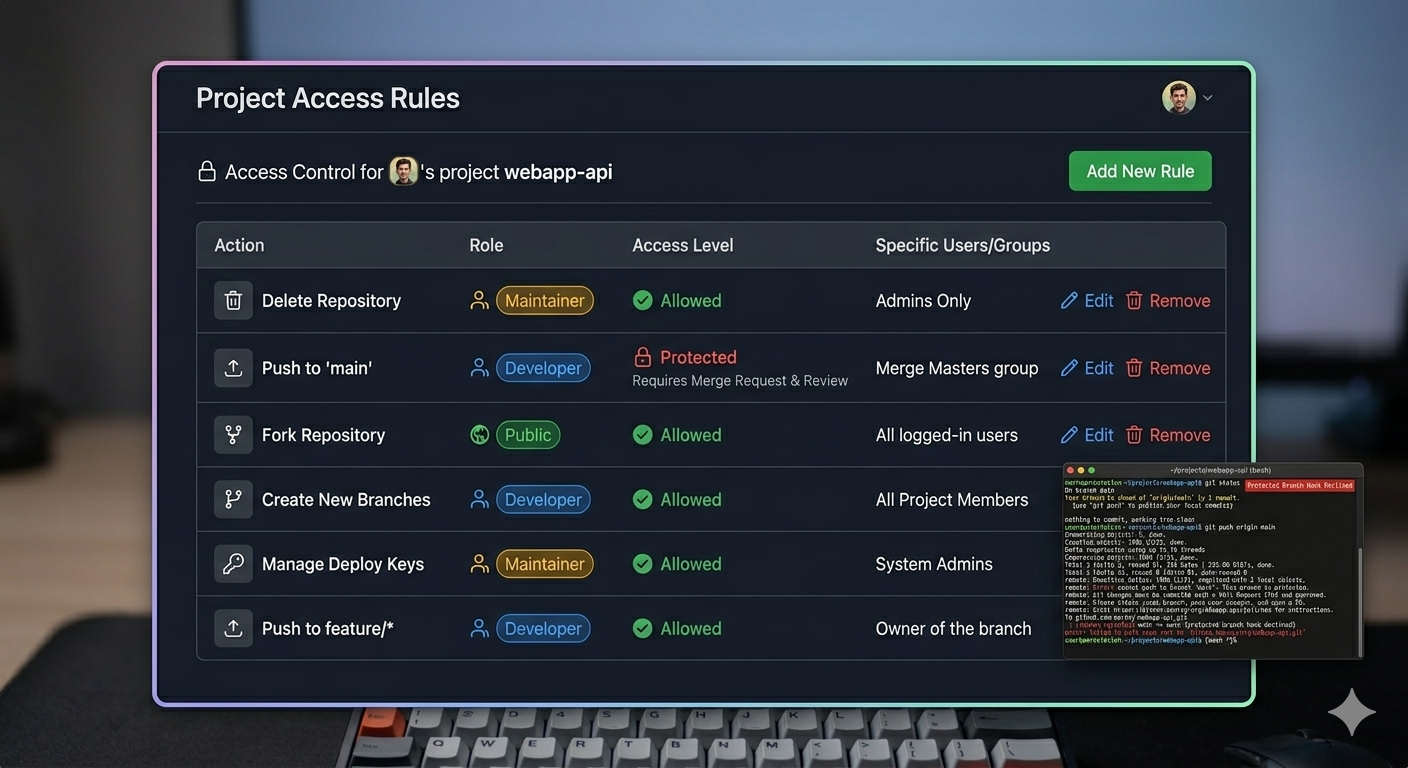
| 1. Identity and membership | Engagement lead or customer admin | User is granted membership only in the GitHub organization or GitLab group for that engagement—not a personal fork as the system of record unless the customer explicitly allows it. | Screenshot or export of org/group membership; invitation email or access ticket ID referenced in the work item. |
| 2. Clone location | Engineer | Clone into a directory path that includes the engagement identifier (for example ~/work/<customer-or-contract>/<repo>). Do not clone customer A under a folder named for customer B. |
Path visible in IDE “Open Folder” root; path recorded in ticket or onboarding checklist. |
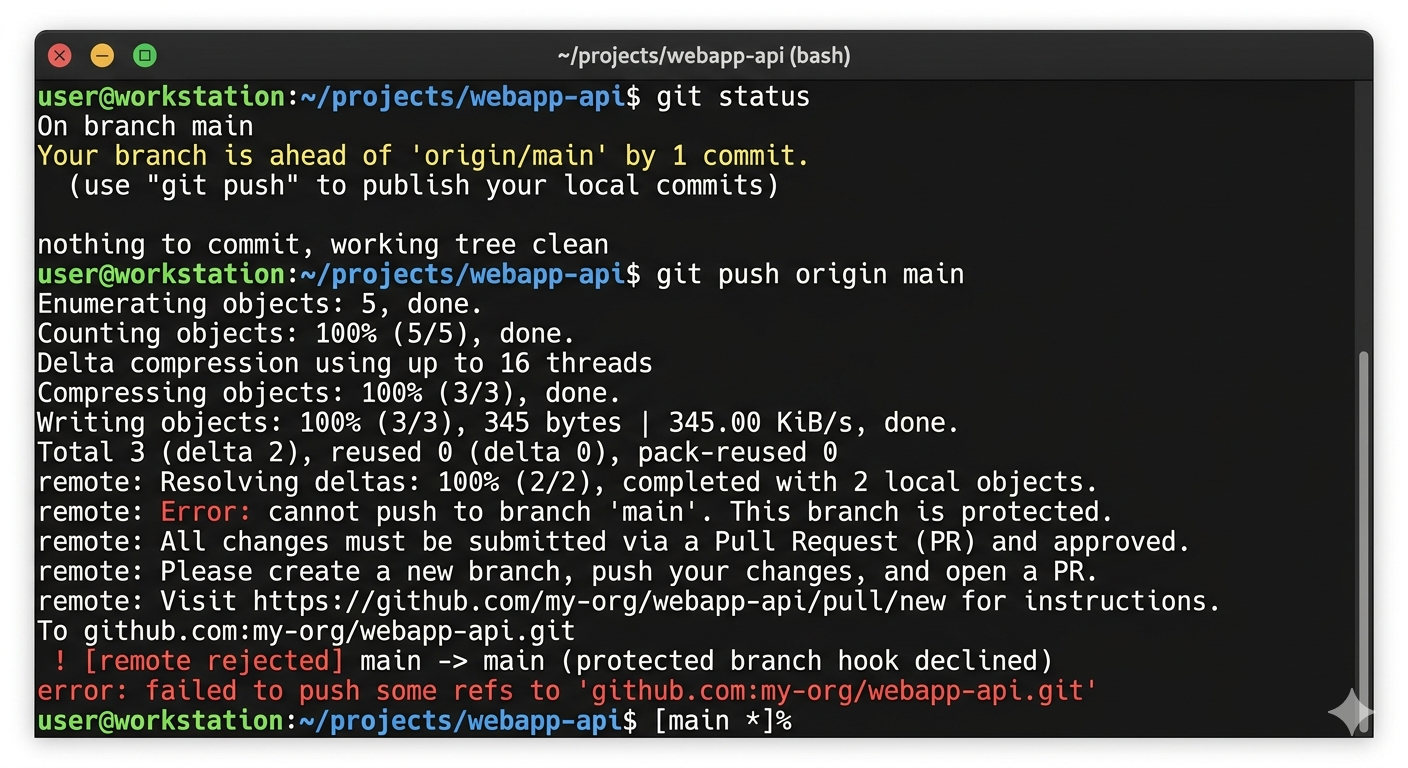
| 3. Clone URL and protocol | Engineer | Use the HTTPS URL with a scoped personal access token limited to the required repos, or an SSH remote using an SSH key whose public key is registered only on that customer’s GitHub/GitLab identity (prefer one key pair per org/group, not one shared key across unrelated customers). | In terminal: git remote -v shows only the engagement origin (and any approved upstream). In the IDE Source Control / Git remotes panel, the same URLs appear. Screenshot or pasted output for audits. |
| 4. Open only that root in the IDE | Engineer | Open the clone root as the project folder (VS Code / Cursor / VSCodium: Open Folder; JetBrains: Open on the repository root)—not a parent directory that also contains another customer’s tree. Avoid multi-root workspaces that mix two customers unless management approves in writing for a documented migration task. | IDE window shows a single root under the engagement path; if a .code-workspace file is used, it is reviewed in PR when it could span more than one customer context. |
| 5. Git author identity for this tree | Engineer | Apply conditional Git configuration (includeIf.gitdir: / includeIf.onbranch:) or IDE per-workspace Git settings so user.name and user.email match the engagement’s expected committer (often company email; the customer may require specific author metadata). |
Run git config --show-origin user.name and git config --show-origin user.email inside the repository and retain output or screenshot. |
| 6. Signed-in IDE accounts | Engineer | Use the GitHub / GitLab account inside the IDE’s integration that matches the engagement membership from step 1. If the customer forbids mixing personal and work identities, use a separate OS user profile, browser profile, or customer-approved account split—do not rely on “being careful” with one signed-in personal account. | Checklist attestation in ticket; customer-specific instructions attached when stricter. |
| 7. AI and assisted-coding features | Engineer | If the engagement prohibits sending code to a vendor cloud, configure workspace trust, offline / enterprise modes, or disable the feature per the customer addendum. If allowed, still restrict extensions per Enforcement on this page. | Screenshot of relevant IDE settings or link to approved exception in the ticket. |
| 8. Before first push | Reviewer | In PR, confirm remote URL, clone path, and branch match the engagement; reject drive-by origin changes that point outside the approved org/group. |
PR checklist item or review comment. |
Tool note: steps are IDE-brand agnostic (VS Code, Cursor, JetBrains, Neovim-based setups, etc.). The Git remote, membership, path, and identity rules are the control; the IDE is the interface to the same Git model.
If a mistake is detected (wrong remote, wrong org, mixed workspace): stop commits, remove incorrect remotes or workspaces, re-clone if needed, notify the engagement lead, and document in a ticket when customer transparency is required.
Enforcement
Controls combine documented onboarding standards, repository and identity access provisioning, peer review, periodic access review, and management oversight. Customer-specific tool restrictions in contract or security addenda take precedence.
Plugin and extension enforcement:
- Onboarding attestation: New joiners and role changes that include customer engineering receive guidance on approved marketplaces (for example VS Code Open VSX / Microsoft marketplace policy as applicable, JetBrains hub, distribution packages) and attest they will not install extensions that exfiltrate source, credentials, or regulated data.
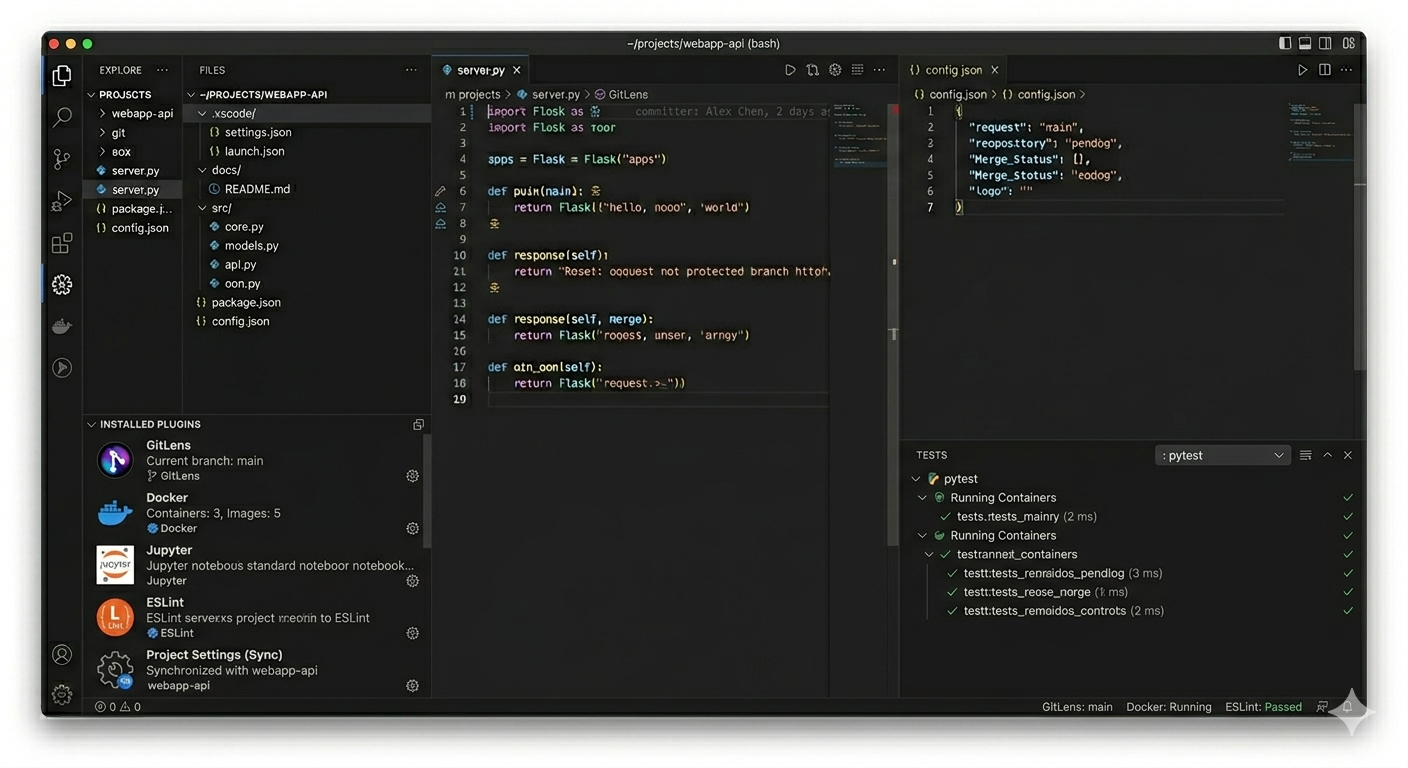
- Least extension surface: Extensions are limited to those required for the engagement (language support, linters, IaC, security scanning, cloud CLIs) or management-justified productivity; experimental or broad “sync my workspace” extensions require written approval when they can read repository content.
- Spot checks and reviews: Management or security delegates may perform periodic spot checks of installed extensions on customer-work machines (IDE extension list export or screenshot) after notice, aligned with customer audit rights.
- Revocation path: Extensions or telemetry settings found to violate this policy, a customer addendum, or a peer-review finding are removed or reconfigured immediately; repeat violations are escalated per HR and contract terms.
Records
Typical evidence includes onboarding checklists, repository membership, access reviews, outputs of the IDE-connection procedure (for example git remote -v, clone path, git config --show-origin for user identity), extension list exports or screenshots where collected, spot-check records, and where required, screenshots or configuration exports for telemetry and extension posture.
Sample Screenshots